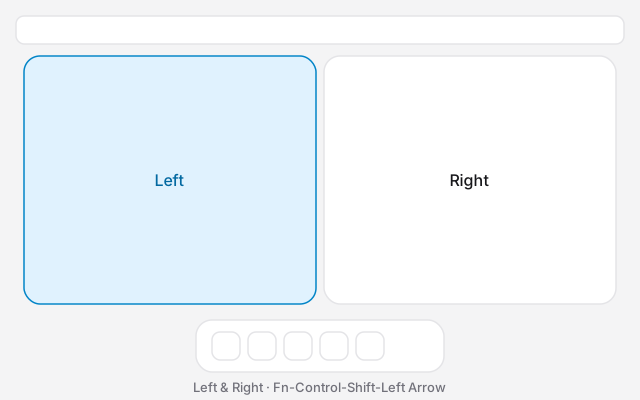
The split screen Mac shortcut on macOS 15 and later is Fn⌃⇧←. The active window goes to the left half and the window behind it goes to the right. On a MacBook, Fn is the Globe key, so hold Globe and Control, then the arrow. Do not tap Globe on its own. A tap opens emoji or dictation.
On macOS 14 and earlier these keys do not exist. Use Split View from the green button instead.
The keys
Apple splits the shortcuts into two families. Without Shift, only the front window moves. With Shift, a second window comes along.
| Shortcut | What you get |
|---|---|
| Fn⌃← | Active window, left half |
| Fn⌃→ | Active window, right half |
| Fn⌃↑ | Active window, top half |
| Fn⌃↓ | Active window, bottom half |
| Fn⌃⇧← | Active window left, second window right |
| Fn⌃⇧→ | Active window right, second window left |
| Fn⌃⇧↑ | Active window on top, second window below |
| Fn⌃⇧↓ | Active window below, second window on top |
| Fn⌃F | Fill the desktop. The menu bar and Dock stay |
| Fn⌃C | Centre the window |
| Fn⌃R | Back to the size it had before |
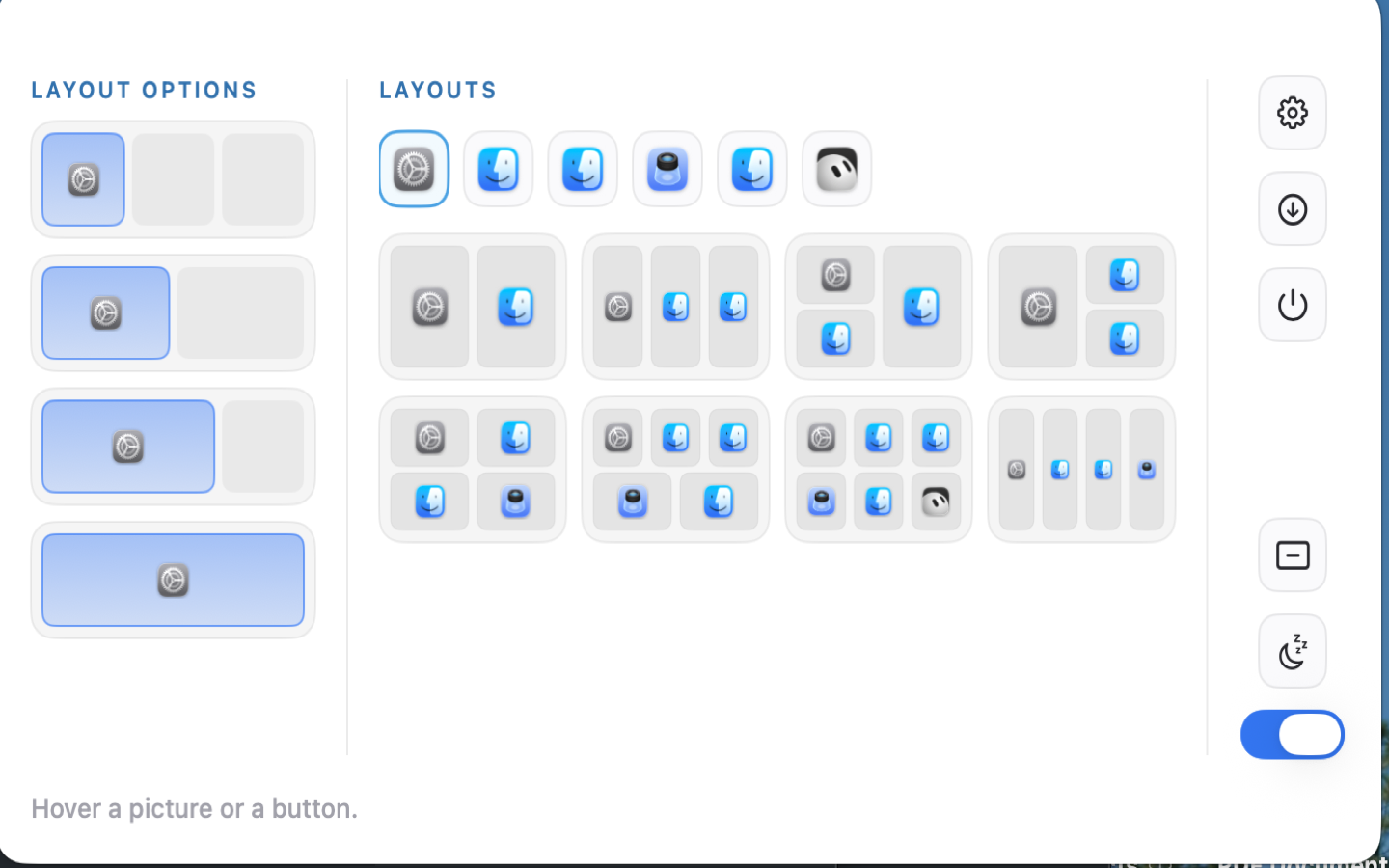
Fn⌃⌥⇧← is three windows: a half on the left and two quarters on the right. It is not a four-window split. Corners, and the four-window Quarters layout, have no shortcut. Use the green button or a drag. That layout is 4 way split screen on Mac.
The steps without the keyboard are in how to split screen on a Mac.
macOS 14 and earlier
Sonoma, Ventura and older systems have no window tiling shortcuts. Fn⌃← will do nothing, or something else.
Hover the green button. On Sonoma, choose Tile Window to Left of Screen or Tile Window to Right of Screen, then click the second app. That is Split View: a full-screen pair, not a desktop split. Check the version in Apple menu → About This Mac. Sequoia is 15. Tahoe is 26. Golden Gate is 27. Sonoma is 14.
If nothing happens
- Leave full screen. Tiling acts on desktop windows.
- Quit any other window manager. Rectangle, Magnet, AeroSpace, yabai, Amethyst and Ribbon will move the window again after macOS tiles it.
- If a drag snaps twice, turn off either Apple's edge drag or the other app's. Apple's switches are in System Settings → Desktop & Dock → Windows. Those switches do not remove the keyboard shortcuts.
- If the wrong partner jumps, click the window you want second, then the one you want in front, then press Fn⌃⇧←.
- Press Fn⌃R to put the front window back.
Ribbon's keys
These work only while Ribbon is running. They are not Apple's shortcut.
⌘⌃2 lays out two columns. ⌘⌃3 lays out three. ⌘⌃4 lays out four. ⌘⌃\ puts the windows back on the strip. The full set is on the shortcuts page.