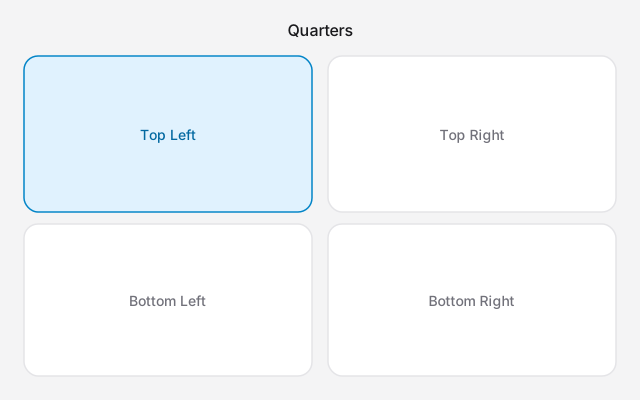
A 4 way split screen Mac is four windows, one in each corner. On macOS 15 or later, hover the green button and choose Quarters under Fill & Arrange, or drag each window into a corner. There is no keyboard shortcut for four windows. macOS cannot make three equal columns.
Four quarters
Window tiling, from macOS 15 Sequoia through Tahoe 26 and Golden Gate 27, uses halves and quarters.
- Leave full screen.
- Drag one window to each corner, and let go when the highlight shows. Hold Option while you drag if you want the highlight sooner.
- Or hover the green button and choose Quarters, so macOS places all four.
Window → Move & Resize lists Halves and Quarters as well. Hold Option over the green button if a layout is missing.
The windows do not stay linked. Move one and the others stay. Open a fifth and it covers them. Close one and the corner stays empty until you drag something into it.
Four quarters leave no gap unless you turned on "Tiled windows have margins" in System Settings → Desktop & Dock → Windows. Turn that off if the panes are already tight.
On a large display, four quarters can work for a calendar, a chat and two dashboards you only glance at. On a 13 or 14 inch MacBook, a quarter is usually too small to read or type in. Some apps also refuse to shrink that far, and spill over the neighbour.
Three windows, and thirds
Fn⌃⌥⇧← is Left & Quarters. That is three windows: the active window takes the left half, and two others take the quarters on the right. The Right, Top and Bottom variants rotate the same shape. It looks like a four-way split until you count.
macOS has no equal thirds. A third of the screen is not in Apple's layouts. Rectangle can snap to a third if that is the size you want. The two-window shortcut, Fn⌃⇧←, is still the right tool when you only needed a pair. Steps are in how to split screen on a Mac. The rest of the keys are in split screen Mac shortcut.
On macOS 14 Sonoma there are no quarters. Split View is two full-screen apps and stops there.
When four panes are too small
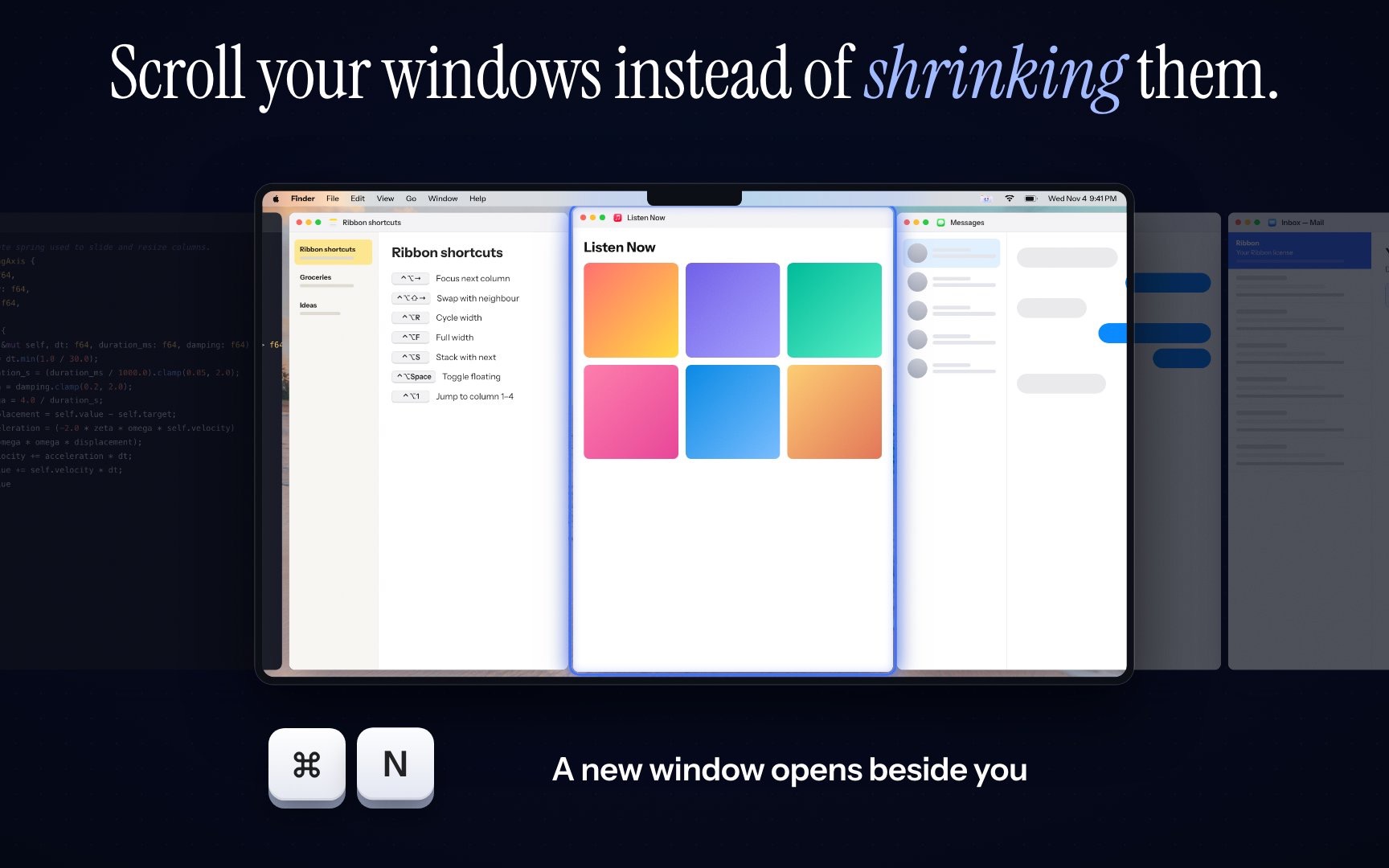
Stop putting every window on screen. A scrolling strip keeps each window at a width you chose, in a row past the edge of the display. You see one or two at a usable size. The others are a swipe away.
Ribbon is that strip, on Apple silicon and macOS 14 or later. When you do want four windows at once, ⌘⌃4 lays them out in a grid. ⌘⌃\ puts them back on the strip. The price is $17 for one Mac, $39 for three and $59 for five.