AeroSpace Mac is a free tiling window manager, built like i3. It places every window so they do not overlap, it uses its own workspaces instead of macOS Spaces, and it does not ask you to turn off System Integrity Protection. Settings live in one TOML file. There is no preferences window.
Install and the first keys are in how to use AeroSpace on Mac.
What it does
Each workspace is a tree. Open a window and it splits a tile. The other tiles in that container get smaller so everything still fits.
Layouts are horizontal tiles, vertical tiles, or an accordion, where windows stack and a sliver shows that more are underneath. The default keys use Option, which the config calls alt. Option-/ flips tiles between side by side and stacked. Option-, flips the accordion.
Workspaces are AeroSpace's, not Mission Control's. ⌥1 through ⌥9 switch. Hidden windows are parked in a corner of the screen, which is why switching is instant. Mission Control draws that pile small. It does not show your AeroSpace workspaces as desktops.
The app runs on macOS 13 or later, on Intel and Apple silicon. It is MIT licensed. It is still a public beta, and it is not notarized. The Homebrew install is:
brew install --cask nikitabobko/tap/aerospace
It needs the Accessibility permission, like any app that moves other apps' windows. It will never require SIP to be turned off, and the project says it will never add a settings GUI.
Arrange displays so each monitor has a free bottom corner. Otherwise windows from a hidden workspace peek onto the next screen. That is in the official guide.
Who it suits
AeroSpace fits if you already know i3 or Sway, you want numbered workspaces that switch instantly, and you are fine editing ~/.aerospace.toml. Copy the default config before you edit. A partial file replaces the key bindings. It does not merge with them.
The keys you will use first are ⌥H, J, K and L to move focus, ⌥⇧ with those keys to move a window, and ⌥1 through ⌥9 to switch workspace. ⌥F is workspace F, not full screen.
It is a poor fit if you need Mission Control to match what you see, or if you want windows to keep their width. A new window always takes space from the others. On a laptop, the fourth tile gets hard to read. Fewer windows per workspace is the i3 answer.
Comparisons, if you are choosing: AeroSpace vs yabai, Ribbon vs AeroSpace, AeroSpace alternatives. The rest of the tiling apps are in Mac tiling window managers.
If the tiles get too thin
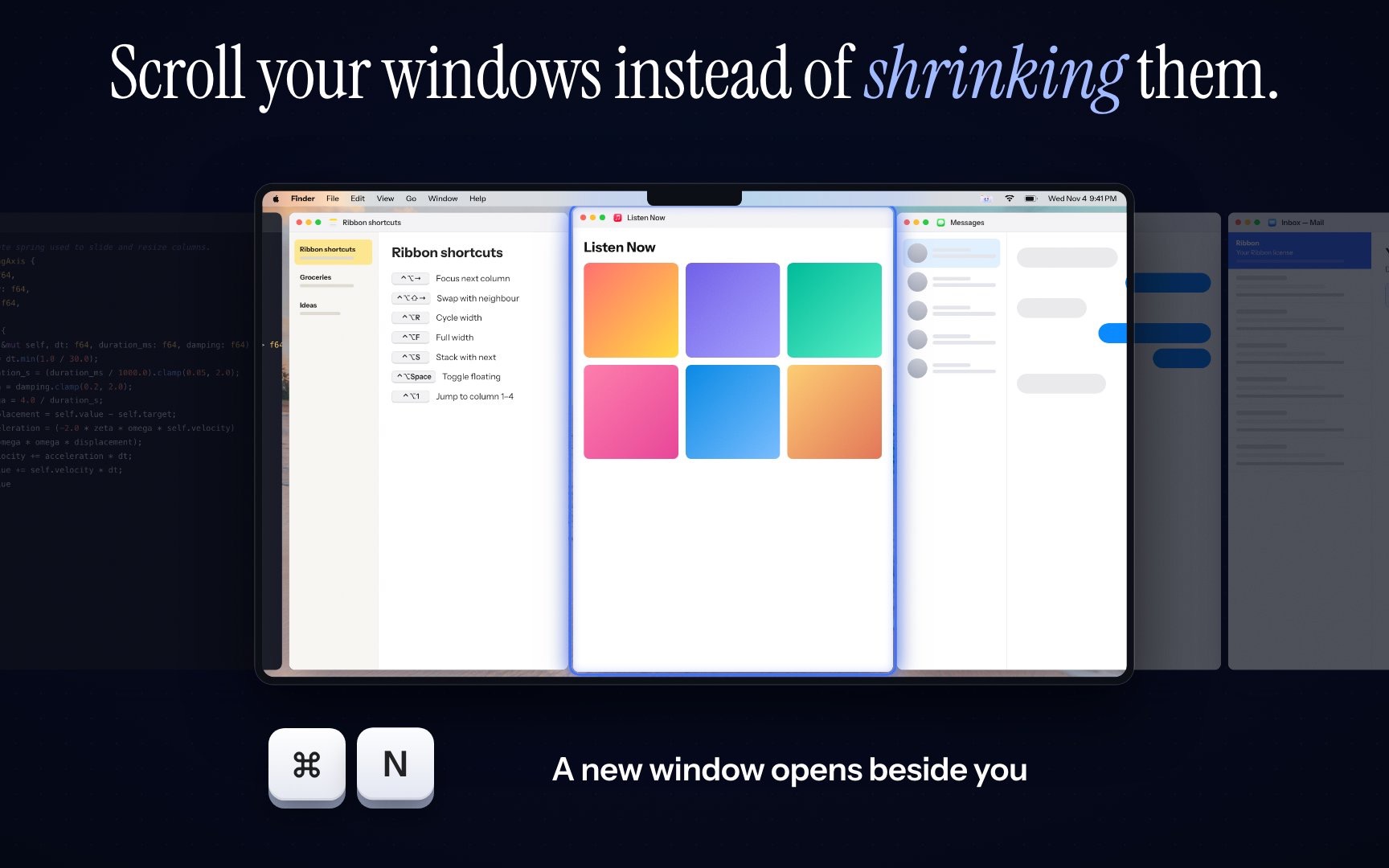
A scrolling strip does not shrink the other windows. Ribbon keeps each window at the width you set, on Apple silicon and macOS 14 or later. The price is $17 for one Mac, $39 for three and $59 for five. It is not i3. If the tree is what you wanted, stay with AeroSpace.