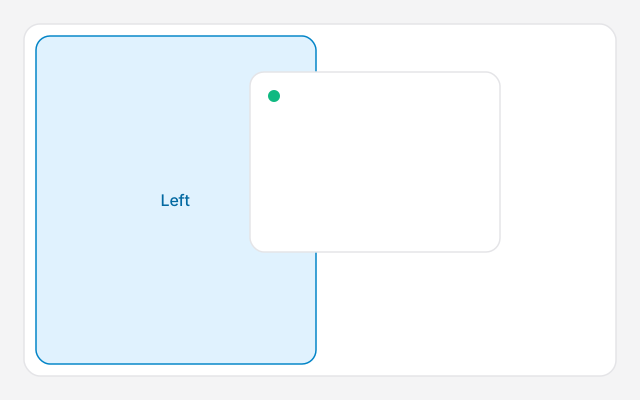
On macOS 15 or later, click the window that should be on the left and press Fn⌃⇧←. It takes the left half. The window behind it takes the right. You can also drag a window to the left or right edge, or hover the green button. On macOS 14 and earlier, hover the green button and choose Tile Window to Left of Screen.
Which option fits, tiling or Split View or a strip, is split screen Mac. This page is only the steps.
The steps
- Click the window that should be on the left.
- Press Fn⌃⇧←.
- Press Fn⌃R if you want that window back to its previous size.
Drag, or Split View
Drag a window by its title bar to the left or right edge and let go when the outline appears. Drag to a corner for a quarter. Drag to the top edge to fill the desktop. This stays on your normal desktop, with the Dock visible. Turn the drag off in System Settings → Desktop & Dock → Windows if it fires too often.
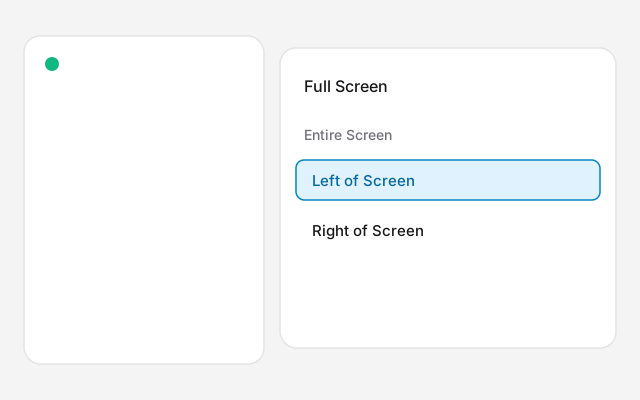
Split View is the full-screen version, and it works on older macOS too. Hover the green button, choose Full Screen, then Left of Screen or Right of Screen, and click the second app. On Sonoma the menu says Tile Window to Left of Screen. Both apps move to their own Space. The menu bar and Dock hide until you point at them.
The shortcut, and three or four windows
The Fn key is the Globe key on a MacBook. Fn⌃← moves only the front window. Add Shift to pair two windows. The whole list, and what to do on macOS 14, is split screen Mac shortcut.
macOS can show four windows as quarters, and three as a half plus two quarters. It has no equal thirds, and Quarters has no keyboard shortcut. That is 4 way split screen on Mac.
If it fails
- Nothing happens. You may be on macOS 14 or earlier. Check Apple menu → About This Mac.
- The window jumps back. Quit Rectangle, Magnet, or any window manager, and try again.
- The window will not shrink. The app has a minimum size. macOS gets as close as it can.
- The wrong window is the partner. Click the one you want second, then the one you want first, then press the shortcut.
Ribbon
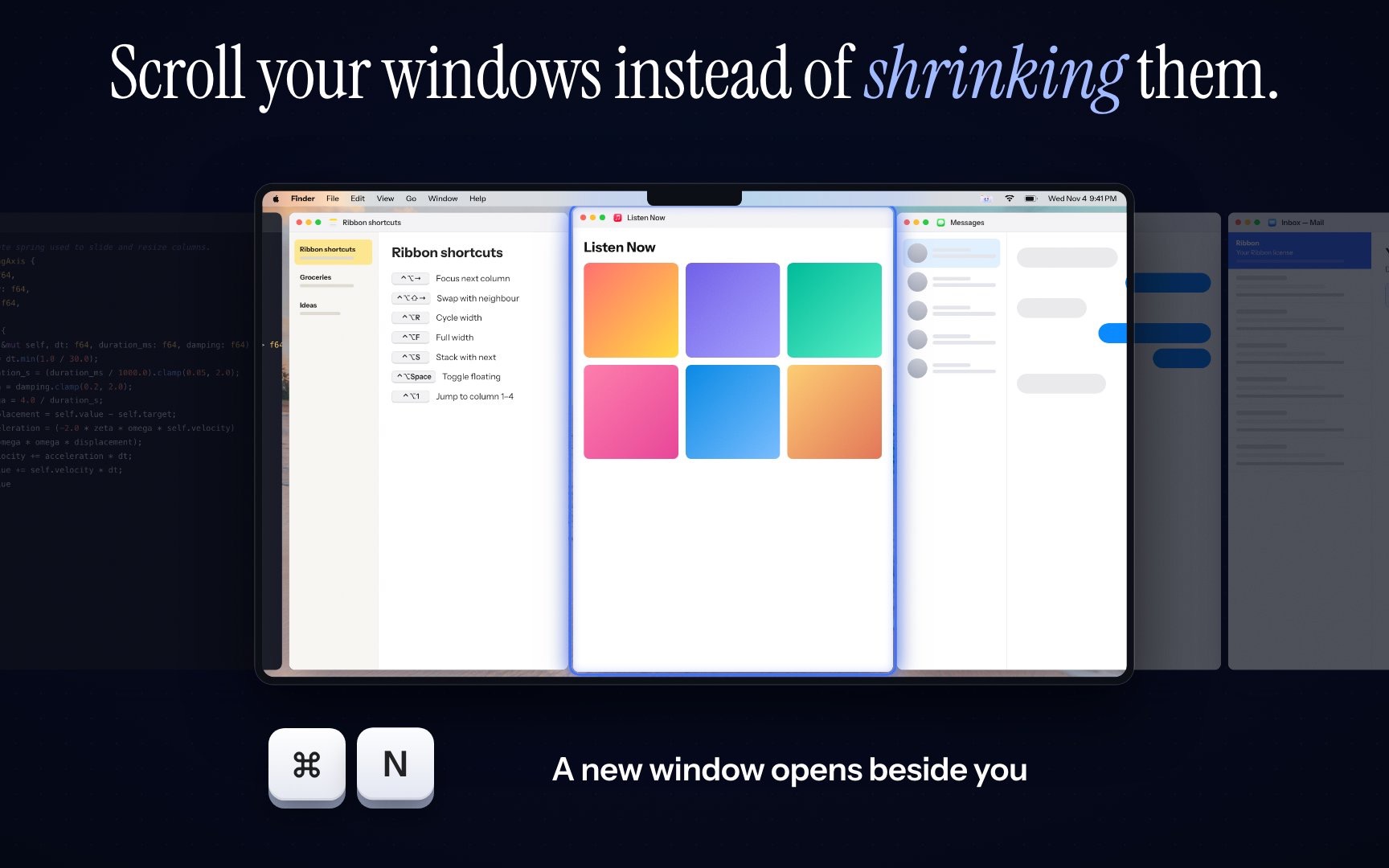
If you split the screen all day and every new window still lands on top, Ribbon keeps windows in columns on a strip. A new window opens beside the focused one and nothing else resizes. ⌘⌃2 is two columns. ⌘⌃3 is three. The price is $17 for one Mac, $39 for three and $59 for five. It needs Apple silicon and macOS 14 or later. Try the keys in the shortcuts lab first.