


How to organize windows on a Mac depends on the mess. Mixed projects need Spaces. One app at a time needs Stage Manager. Two windows side by side need tiling. Lots of windows that must stay readable need a scrolling strip. Pick one. Stacking them is why windows jump.
Spaces, for mixed projects
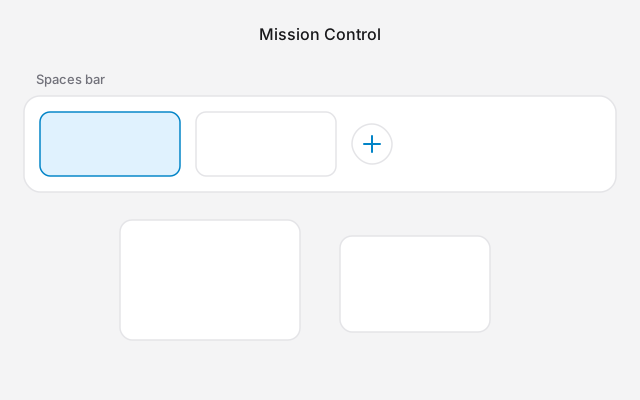
A Space is another desktop. You can have up to 16.
- Press ⌃↑, or swipe up with three or four fingers.
- Point at the top until the Spaces bar appears, and click the add button.
- Move between Spaces with ⌃← and ⌃→, or a sideways swipe.
- Right-click an app in the Dock, then Options, to keep it on one desktop.
Turn off "Automatically rearrange Spaces based on most recent use" in System Settings → Desktop & Dock if the desktops keep changing order.
Spaces do not tidy the windows inside one desktop. Use a Space per project, then use one of the tools below inside the busy Space.
Stage Manager, for one group in front
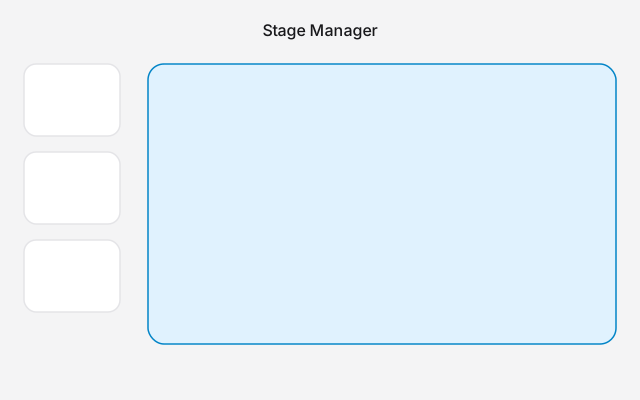
Stage Manager keeps the current app, or a group you dragged together, in the centre. Other apps sit as thumbnails on the left. Turn it on from Control Center, or in System Settings → Desktop & Dock → Desktop & Stage Manager.
Use it if you switch by app and you do not need to see two documents at once. Turn it off before you use a window manager. They both try to place the same windows. More is in Stage Manager.
Two windows side by side
On macOS 15 or later, click a window and press Fn⌃⇧←, or drag it to the left or right edge. The Dock stays. That is desktop tiling, not full screen.
Split View, from the green button, is two apps in their own full-screen Space. Use it when everything else is a distraction.
Steps are in how to split screen on a Mac. The keys, and what to do on macOS 14, are in split screen Mac shortcut. Four corners are 4 way split screen on Mac.
On macOS 14, or if you want thirds, Rectangle snaps by keyboard for free. Turn off Apple's edge drag or Rectangle's. Not both.
Many windows that stay readable
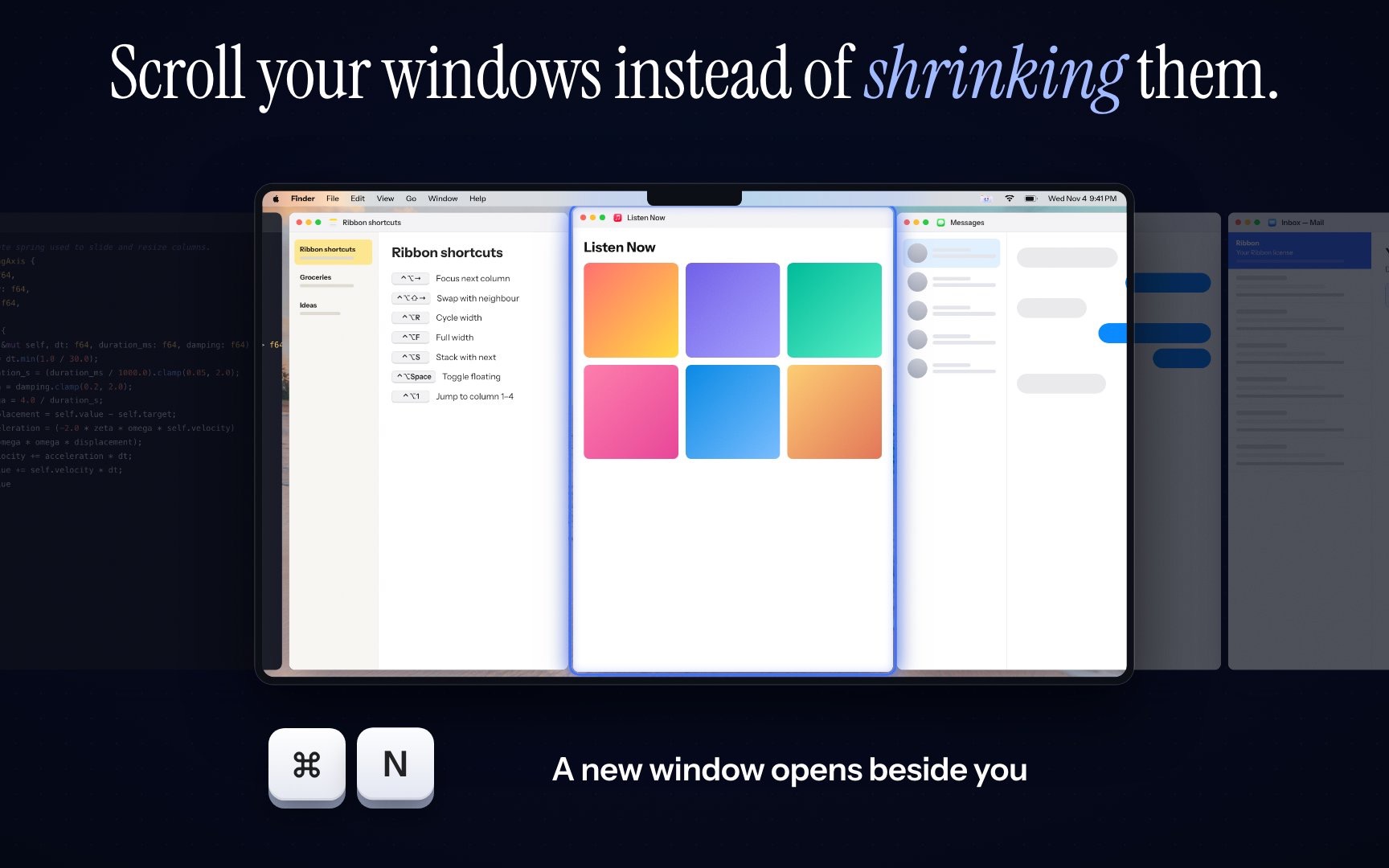
A tiler shrinks every window so they all fit. A scrolling strip does not. Each window keeps its width, in a row past the edge of the screen. You scroll to the next one.
Ribbon does this inside the Spaces you already made. It needs Apple silicon and macOS 14 or later. Option and a two-finger scroll moves the strip. ⌃⌥R cycles the focused window through a quarter, a third, a half, two thirds, three quarters and full width. The price is $17 for one Mac, $39 for three and $59 for five.
If you have a large monitor and you want every window visible, use a tiler instead. Mac tiling window managers is that list. What the words mean is what a window manager is.