


The best Mac window manager for most people who keep several apps open is Ribbon. Each window keeps the width you set, on a strip, and a new window does not shrink the others. If you only snap two windows, use macOS tiling or free Rectangle instead.
Best Mac window manager, by the job
- Count the windows you actually use at once.
- If it is two, use the built-in halves on macOS 15 or later. Steps: how to split screen on Mac.
- If you want thirds and keys, and you still place each window, use Rectangle.
- If a new window should shrink the others so they all stay visible, use a tiler. Comparison: tiling window manager Mac.
- If a new window should keep the others the same width, use a scrolling strip.
| If you... | Try | Price |
|---|---|---|
| Keep several windows at a readable width | Ribbon | $17 / $39 / $59 |
| Want halves and quarters with nothing to install | macOS tiling | Free, macOS 15+ |
| Want free keyboard snapping | Rectangle | Free, MIT |
| Want saved layouts when you dock a laptop | Rectangle Pro or Moom | $9.99 / $15 |
| Want an App Store snapper | Magnet or BetterSnapTool | $4.99 / $1.99 |
| Like the mouse and a radial menu | Loop | Free |
| Want free tiling with a settings window | Amethyst | Free, MIT |
| Know i3 and want instant workspaces | AeroSpace | Free, MIT |
| Want to script native Spaces | yabai | Free, MIT |
| Want a free strip on macOS 26 | OmniWM | Free |
What a new window does
That is the whole difference.
- Snapping (macOS tiling, Rectangle, Magnet, Moom, Loop): nothing happens until you drag or press a key.
- Tiling (Amethyst, AeroSpace, yabai): the app makes room. Five windows share the screen, so each gets smaller.
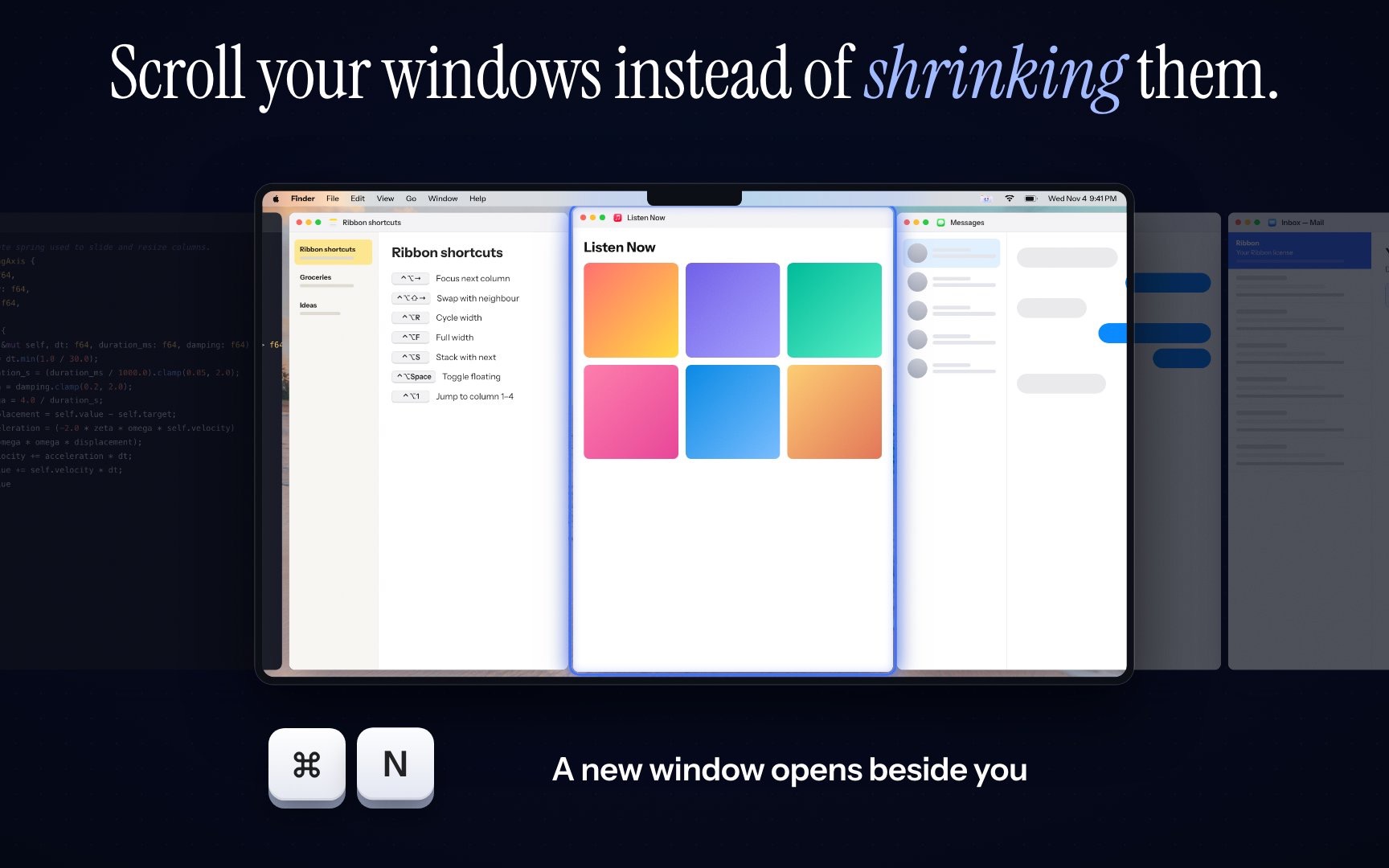
- Scrolling (Ribbon, and others on the scrolling comparison): the new window is a column beside you. Nothing else resizes.
Run only one. Two window managers fight. Turn Stage Manager off while you test.
Ribbon
One strip per display, inside native Spaces. ⌃⌥← and Right move focus. ⌃⌥R cycles the focused column through a quarter, a third, a half, two thirds, three quarters and full. ⌘⌃4 lays out four windows when you want a grid for a moment. Option plus a two-finger scroll moves the strip.
It asks only for Accessibility, so SIP stays on. Apple silicon, macOS 14 or later. $17 for one Mac, $39 for three, $59 for five. No free trial. Try the keys in the shortcuts lab first.
The narrower jobs
macOS tiling on Sequoia and later snaps to halves and quarters. Fn⌃←→, or drag to an edge. No thirds, and nothing moves when you open a window.
Rectangle is free snapping, including thirds if you repeat a shortcut. Rectangle alternative Mac is the page for people leaving it. Rectangle Pro ($9.99) and Moom ($15) add saved layouts for a laptop you dock every day.
Amethyst cycles layouts from a preferences window. AeroSpace is i3-style, TOML only, its own workspaces, SIP never off. yabai is the scriptable one. Core tiling leaves SIP on. Eight extras, including moving Spaces, need it partly off.
OmniWM is the free strip on macOS 26, Apple silicon only. ChainYourMac is another paid strip, on macOS 13 and later.
The category, without this ranking, is Mac window manager. The definition is what is a window manager on Mac.