# Split Screen Mac: Which Option to Use
Split screen Mac means two or more windows sharing one display. Tiling, Split View, snapping apps, or a scrolling strip: which option fits.
Split screen Mac means sharing one display between windows. You can do that with desktop tiling, full-screen Split View, a snapping app, or a scrolling strip. This page is which option fits. The clicks are in [how to split screen on Mac](/guides/split-screen-mac).
## Desktop tiling
macOS 15 Sequoia added window tiling, and it is still there on Tahoe 26 and Golden Gate 27. The windows stay on your normal desktop. The Dock and menu bar stay.
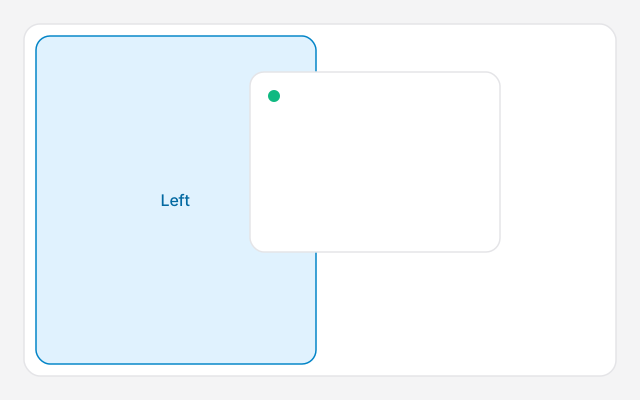
A half is the left, right, top or bottom of the screen. A corner is a quarter. Drag a window to the menu bar and it fills the desktop. Hold Option while you drag if you want the highlight before you reach the edge.
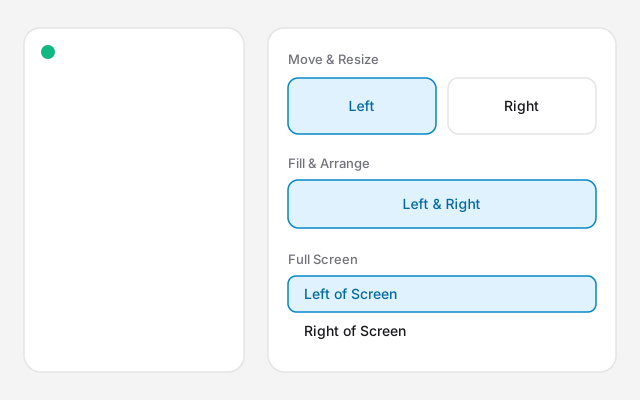
The green button and Window → Move & Resize show the same layouts. The keys, including Fn-Control-Shift-Left Arrow, are on [split screen Mac shortcut](/guides/split-screen-mac-shortcut). Do not follow a click-by-click list here.
Tiling does not watch for new windows. Open Mail and it lands on top of the split. You place each window yourself.
If the drag fires when you do not want it, turn it off in System Settings → Desktop & Dock → Windows. The keyboard shortcuts stay.
Diagram, not a screenshot. The green button groups layouts under Move & Resize, Fill & Arrange, and Full Screen.Diagram of the drag highlight. Apple names that half Left. Let go when the highlight appears.
## Split View
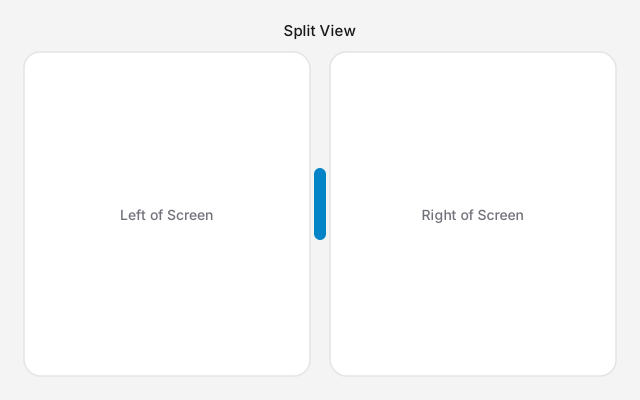
Split View is a different feature. It puts exactly two apps in their own full-screen Space. The menu bar and Dock hide until you point at them.
On current macOS, hover the green button, choose Full Screen, then Left of Screen or Right of Screen, and click the second app. On Sonoma the menu says Tile Window to Left of Screen or Tile Window to Right of Screen.
Use Split View when those two apps are the whole job. It does not do three apps, and it does not do quarters.
Diagram of Split View. The two apps share one full-screen Space, and the divider changes the ratio.
## When a half is too narrow
Four quarters on a laptop are often too small to read. That layout is [4 way split screen on Mac](/guides/4-way-split-screen-mac).
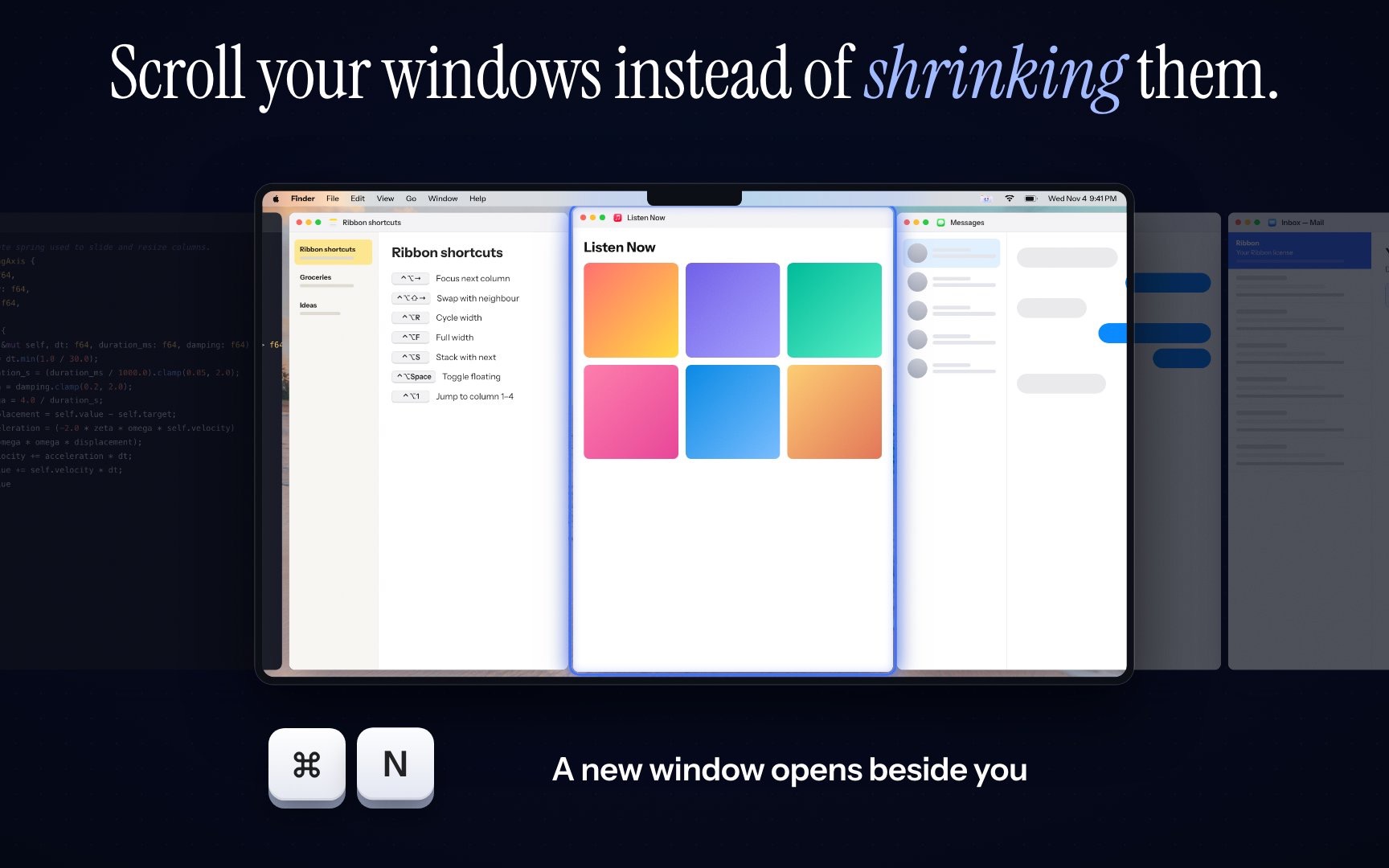
A scrolling strip keeps each window at the width you set. A new window opens beside the one you are using. You scroll sideways to the rest.
[Ribbon](https://meetribbon.app) is that strip, on Apple silicon and macOS 14 or later. Command-Control-2 lays two windows side by side when you want a normal split. The price is $17 for one Mac, $39 for three and $59 for five. Keys are in the [shortcuts guide](/guides/shortcuts).
## Which option
- Two windows, and you still want the Dock: desktop tiling, on macOS 15 or later.
- Two apps and nothing else: Split View.
- You are on macOS 14, or you want thirds: [Rectangle](https://rectangleapp.com/).
- Many windows, and they must stay readable: a scrolling strip.
## FAQs
### Is split screen the same as Split View?
No. Split View is the full-screen pair, in its own Space. Window tiling keeps halves and quarters on your normal desktop. People use both names for either.
### Which split should I use for two windows?
Window tiling on macOS 15 or later, if you still want the Dock. Split View if those two apps should be the whole screen.
### Does macOS split the screen on Sonoma?
Sonoma has Split View, not desktop window tiling. The Fn-Control-arrow shortcuts start in macOS 15 Sequoia.
### What if halves are too narrow?
A quarter or a half on a laptop often is. A scrolling strip keeps each window at a width you choose and parks the rest beside the screen.